
Connect your client
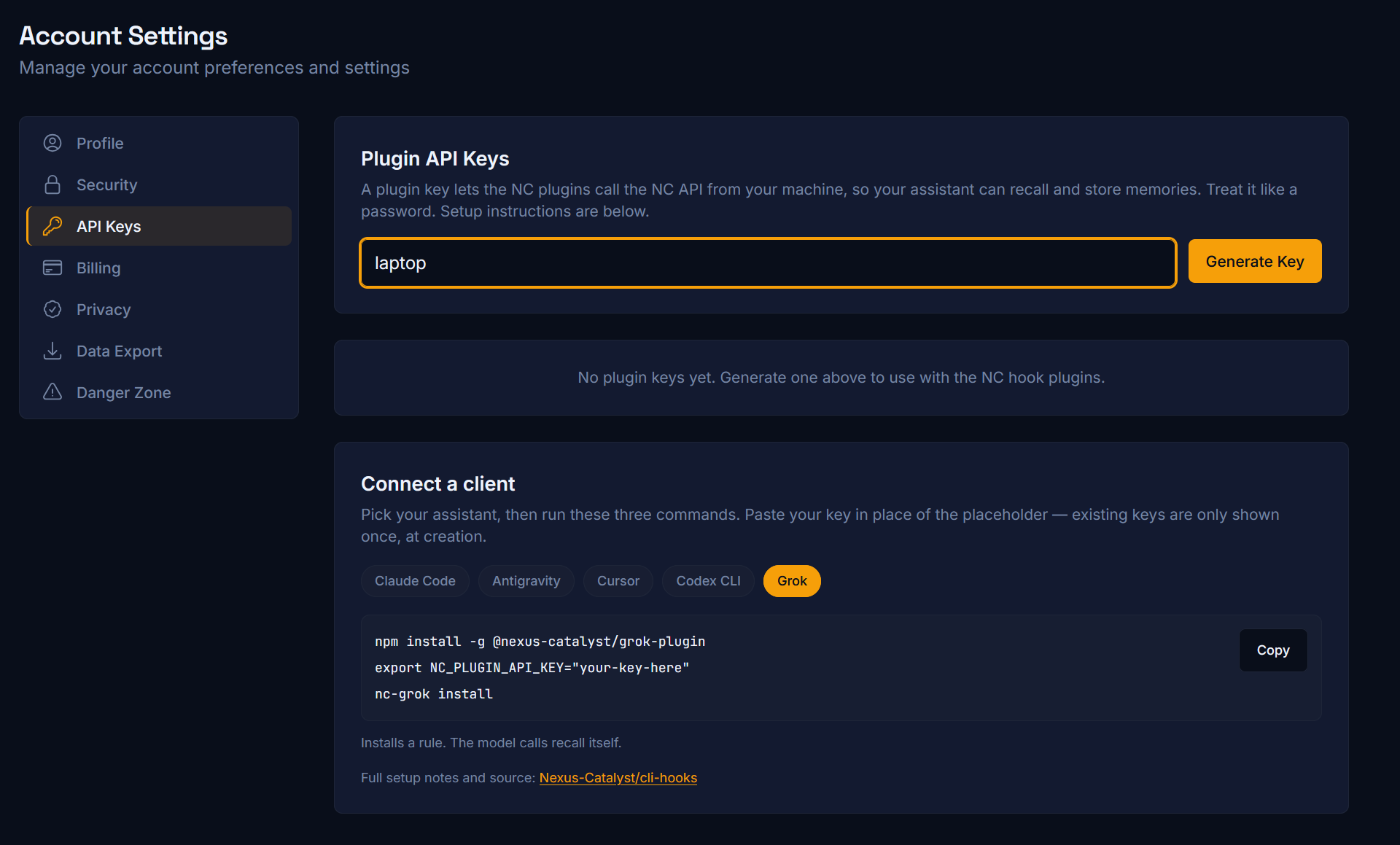
Pick your client below. Setup takes about five minutes everywhere, but how recall reaches the model differs, and that difference matters more than the install steps — so the clients are grouped by it.
Recall is automatic
Section titled “Recall is automatic”Hooks fire on every turn and inject a <nc-context> block before the model sees your prompt. Nothing to remember, no standing instruction — this is the tier to prefer where it exists.
You install a rule, the model calls recall
Section titled “You install a rule, the model calls recall”No usable pre-prompt hook, so the plugin installs an always-on rule that tells the model to call recall_context itself. Reliable, but it depends on the model following the rule.
Connector only — nothing to install
Section titled “Connector only — nothing to install”Add a remote MCP connector in the app’s settings and sign in. No terminal, no npm, no config file. The model calls the tools during its reasoning, so give it the Agent instruction set or it will not reach for memory on its own.
Grok’s web app takes a custom connector too — that path is on the Grok page alongside the CLI.
After connecting
Section titled “After connecting”- Quick Start — store and recall your first memory
- Agent instruction set — required for every client in the last two groups
- MCP tools reference — what the model can actually call
Troubleshooting
Section titled “Troubleshooting”Common Issues — OAuth expiry, plugin key problems, memory not recalling.